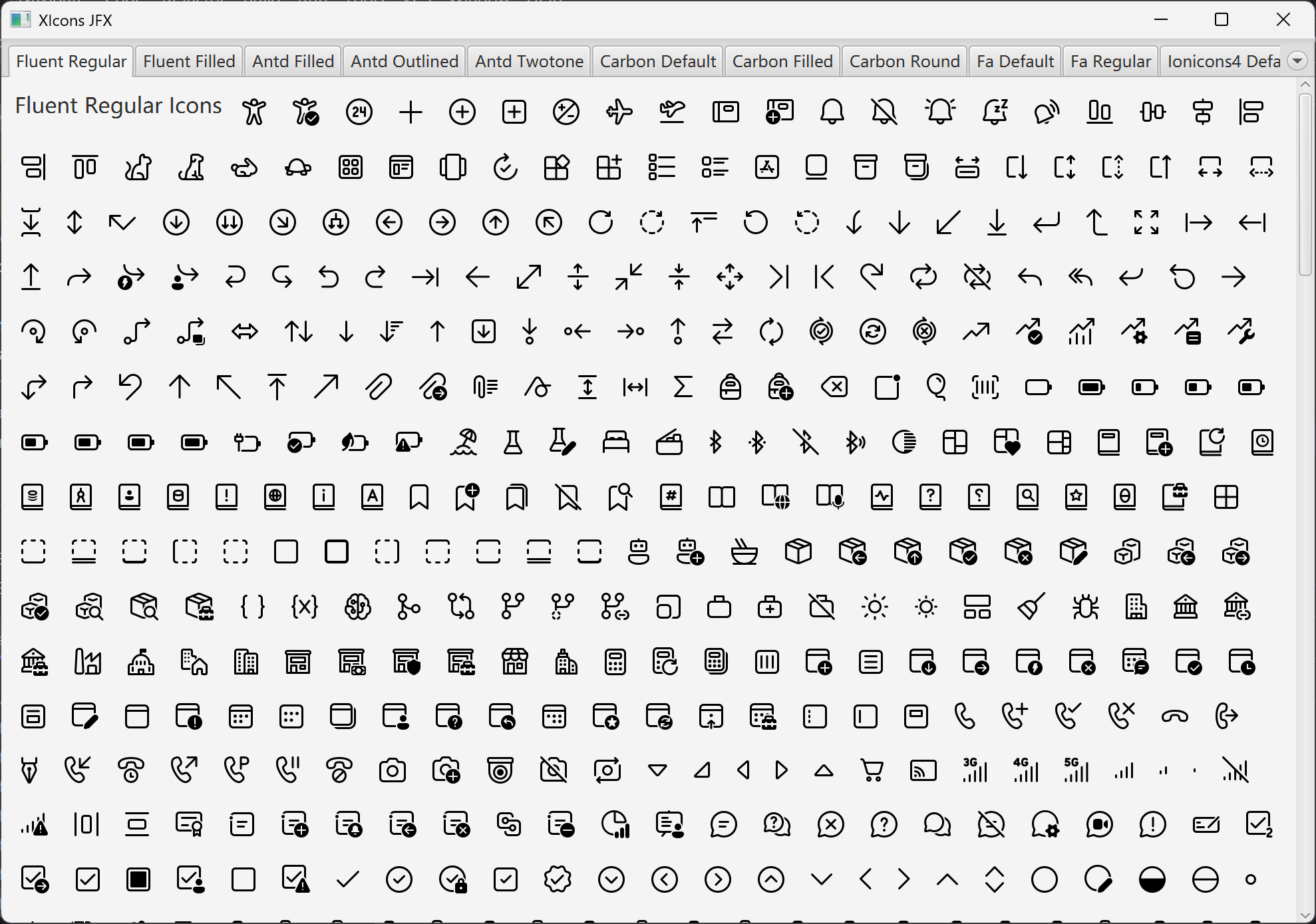
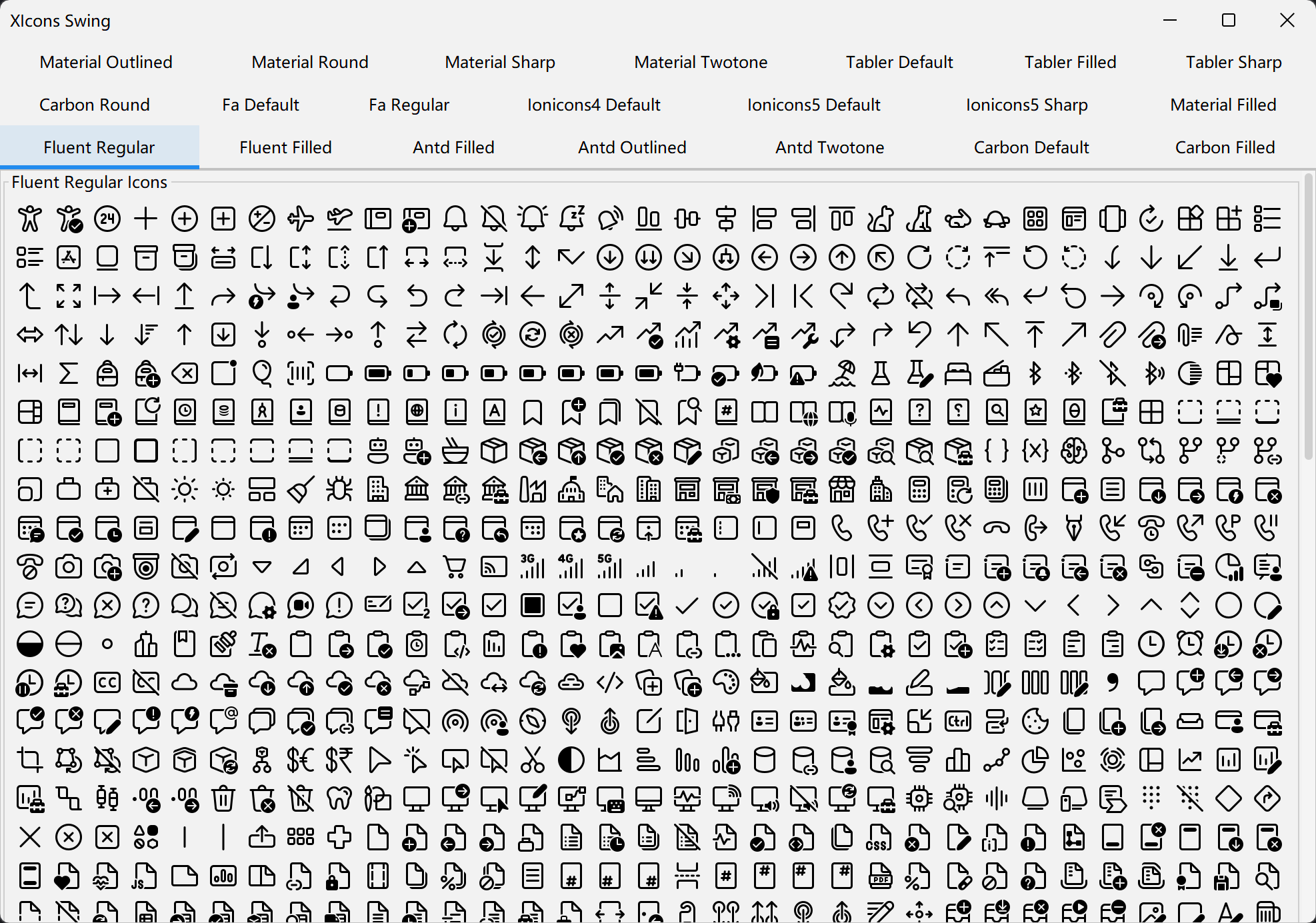
Icon library collection offering Java implementations of many popular icon sets (Fluent, Antd, Font Awesome, Material, Tabler, etc.), usable across Swing and JavaFX with multiple styles.
XIcons is a powerful Java icon library collection that provides Java implementations of multiple popular icon libraries, supporting both Swing and JavaFX UI frameworks.
You need to use the corresponding icon classifier:
all - All Iconsantd - Ant Design Iconscarbon - Carbon Iconsfa - Font Awesome Iconsfluent - Fluent Iconsionicons4 - Ionicons 4ionicons5 - Ionicons 5material - Material Design Iconstabler - Tabler IconsAdd the following dependencies to your pom.xml file:
<dependency>
    <groupId>cn.enaium.xicons</groupId>
    <artifactId>xicons-swing</artifactId>
    <version>1.0.3</version>
    <classifier>fluent</classifier>
</dependency><dependency>
<groupId>cn.enaium.xicons</groupId>
<artifactId>xicons-jfx</artifactId>
<version>1.0.3</version>
<classifier>fluent</classifier>
</dependency>Add the following dependencies to your build.gradle file:
implementation 'cn.enaium.xicons:xicons-swing:1.0.3:fluent'implementation 'cn.enaium.xicons:xicons-jfx:1.0.3:fluent'Or in Kotlin DSL (build.gradle.kts):
implementation("cn.enaium.xicons:xicons-swing:1.0.3:fluent")implementation("cn.enaium.xicons:xicons-jfx:1.0.3:fluent")XIcons also supports Kotlin Multiplatform projects. You can add the following dependency in your build.gradle.kts:
kotlin {
    sourceSets {
        val commonMain by getting {
            dependencies {
                implementation("cn.enaium.xicons:xicons-compose-fluent:1.0.3")
                implementation("cn.enaium.xicons:xicons-compose-intellij:1.0.3")
            }
        }
    }
}XIcons provides KMP icon modules built on imgui-kmp, split per icon library. Each library module depends on xicons-imgui-core (the rendering core):
kotlin {
    sourceSets {
        val commonMain by getting {
            dependencies {
                implementation("cn.enaium.xicons:xicons-imgui-material:1.0.3")
                implementation("cn.enaium.xicons:xicons-imgui-tabler:1.0.3")
                implementation("cn.enaium.imgui:imgui-kmp:1.0.16")
            }
        }
    }
}
Available modules: xicons-imgui-antd, xicons-imgui-carbon, xicons-imgui-fa, xicons-imgui-fluent, xicons-imgui-ionicons4, xicons-imgui-ionicons5, xicons-imgui-material, xicons-imgui-tabler, xicons-imgui-intellij.
import cn.enaium.xicons.imgui.icons.fluent.AnimalDogFilled
import cn.enaium.xicons.imgui.icons.fluent.AnimalDog

// Draw at current ImGui cursor (like ImGui.text) — no position/size needed
AnimalDogFilled.draw()

// Draw at a specific position
AnimalDog.draw(ImVec2(x, y), 32f)

// Draw centered
AnimalDog.drawCentered(ImVec2(cx, cy), 32f)

// Each icon is a top-level val — only used icons survive shrinkingxicons-imgui-intellij, xicons-compose-intellij and the Swing/JavaFX :intellij artifacts carry the
JetBrains IntelliJ icon set (Apache 2.0), about 21,600 icons.
Unlike the other libraries these icons keep their SVG colors (light and dark variants are separate
icons, dark ones suffixed with Dark). Icons come from the icon gallery: the syncIntellijIcons task
downloads them into the build directory before generation, so the first build needs network access.
The gallery is generated in groups - one per first letter of the icon set name, so that no single
Kotlin module has to compile 20k+ files - and the modules above re-export every group. A single
dependency is therefore enough, and all icons share the
cn.enaium.xicons.<framework>.icons.intellij package.
import cn.enaium.xicons.swing.icons.FluentIcons;
import javax.swing.*;

// Using Regular icons
JLabel label = new JLabel(FluentIcons.Regular.AnimalDog);

// Using Filled icons
JButton button = new JButton(FluentIcons.Filled.AnimalDog);import cn.enaium.xicons.jfx.icons.FluentIcons;
import javafx.scene.control.Label;
// Using Regular icons
Label label = new Label("Dog", FluentIcons.Regular.AnimalDog);
// Using Filled icons
Button button = new Button("Dog", FluentIcons.Filled.AnimalDog);import cn.enaium.xicons.compose.FluentIcons
import cn.enaium.xicons.compose.fluent.AnimalDog
// Using Regular icons
Icon(FluentIcons.Regular.AnimalDog, contentDescription = null)
// Using Filled icons
Icon(FluentIcons.Filled.AnimalDog, contentDescription = null)Thanks to the following open-source projects for providing icon resources:
⭐ If this project helps you, please give it a star!
XIcons is a powerful Java icon library collection that provides Java implementations of multiple popular icon libraries, supporting both Swing and JavaFX UI frameworks.
You need to use the corresponding icon classifier:
all - All Iconsantd - Ant Design Iconscarbon - Carbon Iconsfa - Font Awesome Iconsfluent - Fluent Iconsionicons4 - Ionicons 4ionicons5 - Ionicons 5material - Material Design Iconstabler - Tabler IconsAdd the following dependencies to your pom.xml file:
<dependency>
    <groupId>cn.enaium.xicons</groupId>
    <artifactId>xicons-swing</artifactId>
    <version>1.0.3</version>
    <classifier>fluent</classifier>
</dependency><dependency>
<groupId>cn.enaium.xicons</groupId>
<artifactId>xicons-jfx</artifactId>
<version>1.0.3</version>
<classifier>fluent</classifier>
</dependency>Add the following dependencies to your build.gradle file:
implementation 'cn.enaium.xicons:xicons-swing:1.0.3:fluent'implementation 'cn.enaium.xicons:xicons-jfx:1.0.3:fluent'Or in Kotlin DSL (build.gradle.kts):
implementation("cn.enaium.xicons:xicons-swing:1.0.3:fluent")implementation("cn.enaium.xicons:xicons-jfx:1.0.3:fluent")XIcons also supports Kotlin Multiplatform projects. You can add the following dependency in your build.gradle.kts:
kotlin {
    sourceSets {
        val commonMain by getting {
            dependencies {
                implementation("cn.enaium.xicons:xicons-compose-fluent:1.0.3")
                implementation("cn.enaium.xicons:xicons-compose-intellij:1.0.3")
            }
        }
    }
}XIcons provides KMP icon modules built on imgui-kmp, split per icon library. Each library module depends on xicons-imgui-core (the rendering core):
kotlin {
    sourceSets {
        val commonMain by getting {
            dependencies {
                implementation("cn.enaium.xicons:xicons-imgui-material:1.0.3")
                implementation("cn.enaium.xicons:xicons-imgui-tabler:1.0.3")
                implementation("cn.enaium.imgui:imgui-kmp:1.0.16")
            }
        }
    }
}
Available modules: xicons-imgui-antd, xicons-imgui-carbon, xicons-imgui-fa, xicons-imgui-fluent, xicons-imgui-ionicons4, xicons-imgui-ionicons5, xicons-imgui-material, xicons-imgui-tabler, xicons-imgui-intellij.
import cn.enaium.xicons.imgui.icons.fluent.AnimalDogFilled
import cn.enaium.xicons.imgui.icons.fluent.AnimalDog

// Draw at current ImGui cursor (like ImGui.text) — no position/size needed
AnimalDogFilled.draw()

// Draw at a specific position
AnimalDog.draw(ImVec2(x, y), 32f)

// Draw centered
AnimalDog.drawCentered(ImVec2(cx, cy), 32f)

// Each icon is a top-level val — only used icons survive shrinkingxicons-imgui-intellij, xicons-compose-intellij and the Swing/JavaFX :intellij artifacts carry the
JetBrains IntelliJ icon set (Apache 2.0), about 21,600 icons.
Unlike the other libraries these icons keep their SVG colors (light and dark variants are separate
icons, dark ones suffixed with Dark). Icons come from the icon gallery: the syncIntellijIcons task
downloads them into the build directory before generation, so the first build needs network access.
The gallery is generated in groups - one per first letter of the icon set name, so that no single
Kotlin module has to compile 20k+ files - and the modules above re-export every group. A single
dependency is therefore enough, and all icons share the
cn.enaium.xicons.<framework>.icons.intellij package.
import cn.enaium.xicons.swing.icons.FluentIcons;
import javax.swing.*;

// Using Regular icons
JLabel label = new JLabel(FluentIcons.Regular.AnimalDog);

// Using Filled icons
JButton button = new JButton(FluentIcons.Filled.AnimalDog);import cn.enaium.xicons.jfx.icons.FluentIcons;
import javafx.scene.control.Label;
// Using Regular icons
Label label = new Label("Dog", FluentIcons.Regular.AnimalDog);
// Using Filled icons
Button button = new Button("Dog", FluentIcons.Filled.AnimalDog);import cn.enaium.xicons.compose.FluentIcons
import cn.enaium.xicons.compose.fluent.AnimalDog
// Using Regular icons
Icon(FluentIcons.Regular.AnimalDog, contentDescription = null)
// Using Filled icons
Icon(FluentIcons.Filled.AnimalDog, contentDescription = null)Thanks to the following open-source projects for providing icon resources:
⭐ If this project helps you, please give it a star!