
Configurable sunrise scene over a curved planetary horizon combining atmospheric light, sun glow, aurora, stars, clouds and lens effects; interactive presets and live editor.
A configurable sunrise over a curved planetary horizon, built with Compose Multiplatform.
Android · Desktop/JVM · iOS · Explore presets · Run the demo · Effect reference
Horizon Bloom combines atmospheric light, a glowing sun, aurora, stars, clouds, and subtle lens effects in a single Compose scene. Drag to shift the view; tap to trigger an aurora glow. Every effect can be adjusted independently.
Latest release:
v0.1.1· Core on Maven Central · Demo on Maven Central.
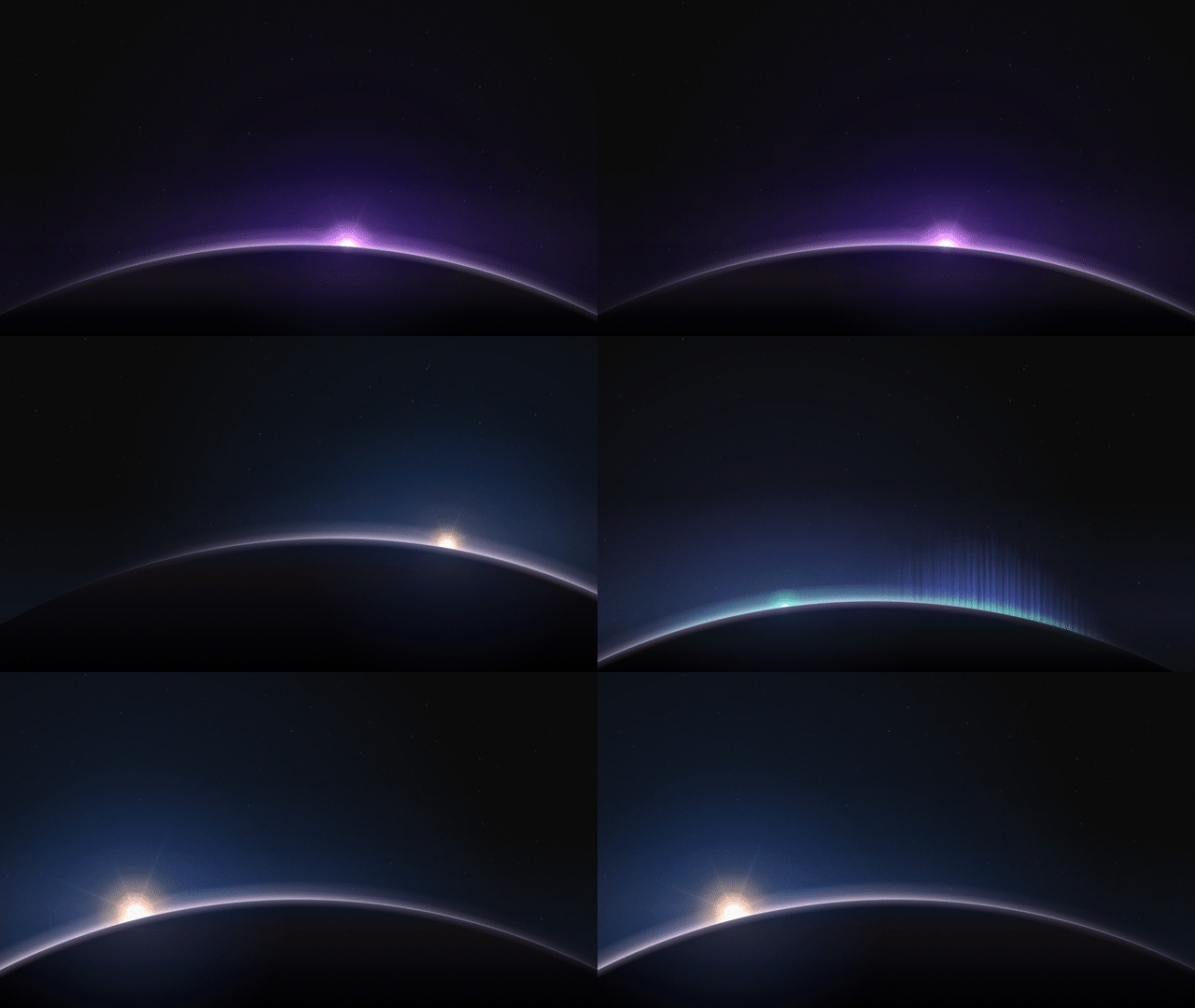
Dawn → Twilight → Aurora → custom · Watch in full resolution
| Dawn | Twilight | Aurora |
|---|---|---|
 |
 |
 |
Every preview above was captured from the actual Compose renderer. These are showcase variants derived from presets, not untouched preset defaults. They vary sun placement, size, horizon height, and light while keeping planet curvature consistent.
The 0.1.1 release is published under the shared Maven group
io.github.velord.horizonbloom. Add the
renderer (core) to your Kotlin Multiplatform module's build.gradle.kts:
commonMain.dependencies {
    implementation("io.github.velord.horizonbloom:core:0.1.1")
}
Render it anywhere inside a Compose UI:
import androidx.compose.foundation.layout.fillMaxSize
import androidx.compose.ui.Modifier
import com.velord.horizonbloom.HorizonBloom
import com.velord.horizonbloom.HorizonBloomConfig

HorizonBloom(
    config = HorizonBloomConfig.DAWN,
    modifier = Modifier.fillMaxSize(),
)Expand a preset to see a ready-to-use configuration. For a live, adjustable scene, use the demo application.
HorizonBloom(config = HorizonBloomConfig.DAWN)HorizonBloom(config = HorizonBloomConfig.TWILIGHT)HorizonBloom(config = HorizonBloomConfig.AURORA)All presets are ordinary HorizonBloomConfig values. Use copy() to fine-tune them:
val config = HorizonBloomConfig.AURORA.copy(
    flare = 0.4f,
    stars = 1.0f,
    speed = 0.7f,
    interactive = true,
)

HorizonBloom(config = config)This optional example uses Compose Material 3 buttons:
import androidx.compose.foundation.layout.Column
import androidx.compose.foundation.layout.Row
import androidx.compose.foundation.layout.fillMaxWidth
import androidx.compose.foundation.layout.height
import androidx.compose.material3.Text
import androidx.compose.material3.TextButton
import androidx.compose.runtime.Composable
import androidx.compose.runtime.mutableStateOf
import androidx.compose.runtime.remember
import androidx.compose.ui.Modifier
import androidx.compose.ui.unit.dp
import com.velord.horizonbloom.HorizonBloom
import com.velord.horizonbloom.HorizonBloomConfig

@Composable
fun HorizonSample() {
    val configState = remember { mutableStateOf(HorizonBloomConfig.DAWN) }

    Column {
        Row {
            TextButton(onClick = { configState.value = HorizonBloomConfig.DAWN }) {
                Text("Dawn")
            }
            TextButton(onClick = { configState.value = HorizonBloomConfig.TWILIGHT }) {
                Text("Twilight")
            }
            TextButton(onClick = { configState.value = HorizonBloomConfig.AURORA }) {
                Text("Aurora")
            }
        }

        HorizonBloom(
            config = configState.value,
            modifier = Modifier.fillMaxWidth().height(280.dp),
        )
    }
}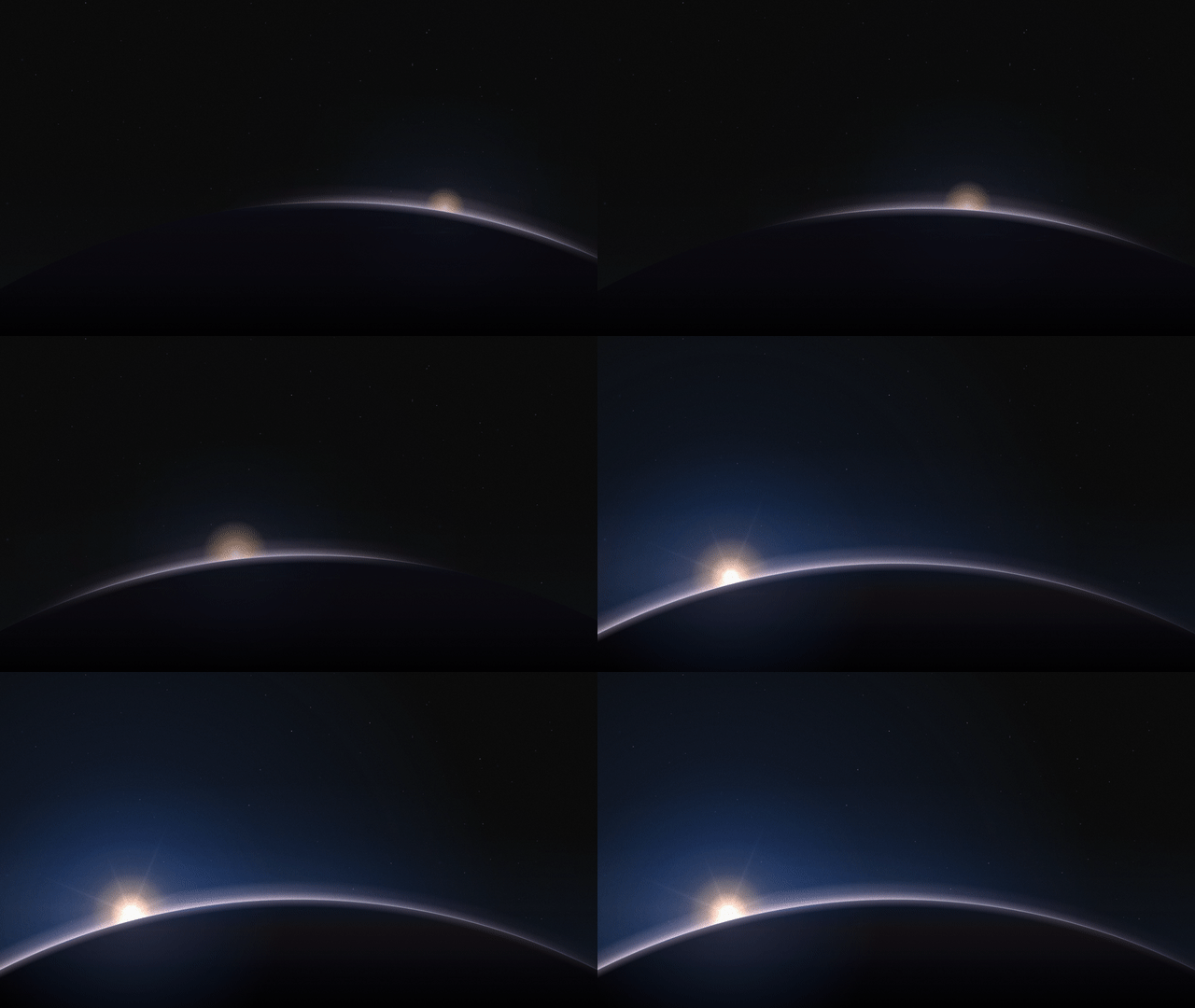
Sun position, size, horizon, atmosphere, spread, bloom, sunburst and flare adjusted live · Watch the full video
The custom scene derives from Twilight with a shifted sun and tuned light:

The included demo lets you switch presets, edit colors, adjust effect strengths,
pause animation, and test pointer interaction. The interactive editor is an
optional, published Compose Multiplatform artifact. Add it to commonMain:
commonMain.dependencies {
    implementation("io.github.velord.horizonbloom:demo:0.1.1")
}
Call HorizonDemoApp(onBackClick) from your Compose navigation host. The demo
resolves the matching core artifact transitively; you do not need to declare
both unless you also consume core directly. Version 0.1.0 contains only the
original renderer under the legacy Maven coordinates.

| Platform | Run |
|---|---|
| Desktop | ./gradlew :demo-desktop:run |
| Android |
./gradlew :demo-android:installDebug, then launch Horizon Bloom
|
| iOS | Open iosApp/HorizonBloomDemo.xcodeproj in Xcode and run the HorizonBloomDemo scheme |
Building from source requires JDK 21; Android also needs an Android SDK, and iOS requires macOS with Xcode.
| Area | Configuration |
|---|---|
| Geometry | Horizon, curvature, tilt, sun position and size |
| Lighting | Sunrise, atmosphere, thickness, spread, rim, bloom, flare, sunburst, airglow |
| Environment | Aurora, stars, clouds, grain |
| Motion & input | Speed, drift, parallax, pause, intro, interaction |
| Color | Warm, cool, and background colors |
Set interactive = false to disable tap and drag input. See the effect reference for how each control affects the renderer.
Supported targets: Android (API 26+), Desktop/JVM, iOS ARM64 devices, and Apple Silicon iOS simulators.
Apache License 2.0.
Source and demo are in this repository. The :horizon-bloom and :demo
modules are published on Maven Central. See the
publishing guide for the release process.
A configurable sunrise over a curved planetary horizon, built with Compose Multiplatform.
Android · Desktop/JVM · iOS · Explore presets · Run the demo · Effect reference
Horizon Bloom combines atmospheric light, a glowing sun, aurora, stars, clouds, and subtle lens effects in a single Compose scene. Drag to shift the view; tap to trigger an aurora glow. Every effect can be adjusted independently.
Latest release:
v0.1.1· Core on Maven Central · Demo on Maven Central.
Dawn → Twilight → Aurora → custom · Watch in full resolution
| Dawn | Twilight | Aurora |
|---|---|---|
|
|
|
Every preview above was captured from the actual Compose renderer. These are showcase variants derived from presets, not untouched preset defaults. They vary sun placement, size, horizon height, and light while keeping planet curvature consistent.
The 0.1.1 release is published under the shared Maven group
io.github.velord.horizonbloom. Add the
renderer (core) to your Kotlin Multiplatform module's build.gradle.kts:
commonMain.dependencies {
    implementation("io.github.velord.horizonbloom:core:0.1.1")
}
Render it anywhere inside a Compose UI:
import androidx.compose.foundation.layout.fillMaxSize
import androidx.compose.ui.Modifier
import com.velord.horizonbloom.HorizonBloom
import com.velord.horizonbloom.HorizonBloomConfig

HorizonBloom(
    config = HorizonBloomConfig.DAWN,
    modifier = Modifier.fillMaxSize(),
)Expand a preset to see a ready-to-use configuration. For a live, adjustable scene, use the demo application.
HorizonBloom(config = HorizonBloomConfig.DAWN)HorizonBloom(config = HorizonBloomConfig.TWILIGHT)HorizonBloom(config = HorizonBloomConfig.AURORA)All presets are ordinary HorizonBloomConfig values. Use copy() to fine-tune them:
val config = HorizonBloomConfig.AURORA.copy(
    flare = 0.4f,
    stars = 1.0f,
    speed = 0.7f,
    interactive = true,
)

HorizonBloom(config = config)This optional example uses Compose Material 3 buttons:
import androidx.compose.foundation.layout.Column
import androidx.compose.foundation.layout.Row
import androidx.compose.foundation.layout.fillMaxWidth
import androidx.compose.foundation.layout.height
import androidx.compose.material3.Text
import androidx.compose.material3.TextButton
import androidx.compose.runtime.Composable
import androidx.compose.runtime.mutableStateOf
import androidx.compose.runtime.remember
import androidx.compose.ui.Modifier
import androidx.compose.ui.unit.dp
import com.velord.horizonbloom.HorizonBloom
import com.velord.horizonbloom.HorizonBloomConfig

@Composable
fun HorizonSample() {
    val configState = remember { mutableStateOf(HorizonBloomConfig.DAWN) }

    Column {
        Row {
            TextButton(onClick = { configState.value = HorizonBloomConfig.DAWN }) {
                Text("Dawn")
            }
            TextButton(onClick = { configState.value = HorizonBloomConfig.TWILIGHT }) {
                Text("Twilight")
            }
            TextButton(onClick = { configState.value = HorizonBloomConfig.AURORA }) {
                Text("Aurora")
            }
        }

        HorizonBloom(
            config = configState.value,
            modifier = Modifier.fillMaxWidth().height(280.dp),
        )
    }
}
Sun position, size, horizon, atmosphere, spread, bloom, sunburst and flare adjusted live · Watch the full video
The custom scene derives from Twilight with a shifted sun and tuned light:
The included demo lets you switch presets, edit colors, adjust effect strengths,
pause animation, and test pointer interaction. The interactive editor is an
optional, published Compose Multiplatform artifact. Add it to commonMain:
commonMain.dependencies {
    implementation("io.github.velord.horizonbloom:demo:0.1.1")
}
Call HorizonDemoApp(onBackClick) from your Compose navigation host. The demo
resolves the matching core artifact transitively; you do not need to declare
both unless you also consume core directly. Version 0.1.0 contains only the
original renderer under the legacy Maven coordinates.
| Platform | Run |
|---|---|
| Desktop | ./gradlew :demo-desktop:run |
| Android |
./gradlew :demo-android:installDebug, then launch Horizon Bloom
|
| iOS | Open iosApp/HorizonBloomDemo.xcodeproj in Xcode and run the HorizonBloomDemo scheme |
Building from source requires JDK 21; Android also needs an Android SDK, and iOS requires macOS with Xcode.
| Area | Configuration |
|---|---|
| Geometry | Horizon, curvature, tilt, sun position and size |
| Lighting | Sunrise, atmosphere, thickness, spread, rim, bloom, flare, sunburst, airglow |
| Environment | Aurora, stars, clouds, grain |
| Motion & input | Speed, drift, parallax, pause, intro, interaction |
| Color | Warm, cool, and background colors |
Set interactive = false to disable tap and drag input. See the effect reference for how each control affects the renderer.
Supported targets: Android (API 26+), Desktop/JVM, iOS ARM64 devices, and Apple Silicon iOS simulators.
Apache License 2.0.
Source and demo are in this repository. The :horizon-bloom and :demo
modules are published on Maven Central. See the
publishing guide for the release process.