
Design system delivering UI components, modifiers, and themes — interactive media controls, shader-driven visual effects (color-split, pixelate, noise, warp), plus a browsable catalog app.
Palette is an experimental Compose Multiplatform design library. It contains a set of component, modifier, and theme libraries.
The catalog app is available on Android, iOS, desktop, and web.

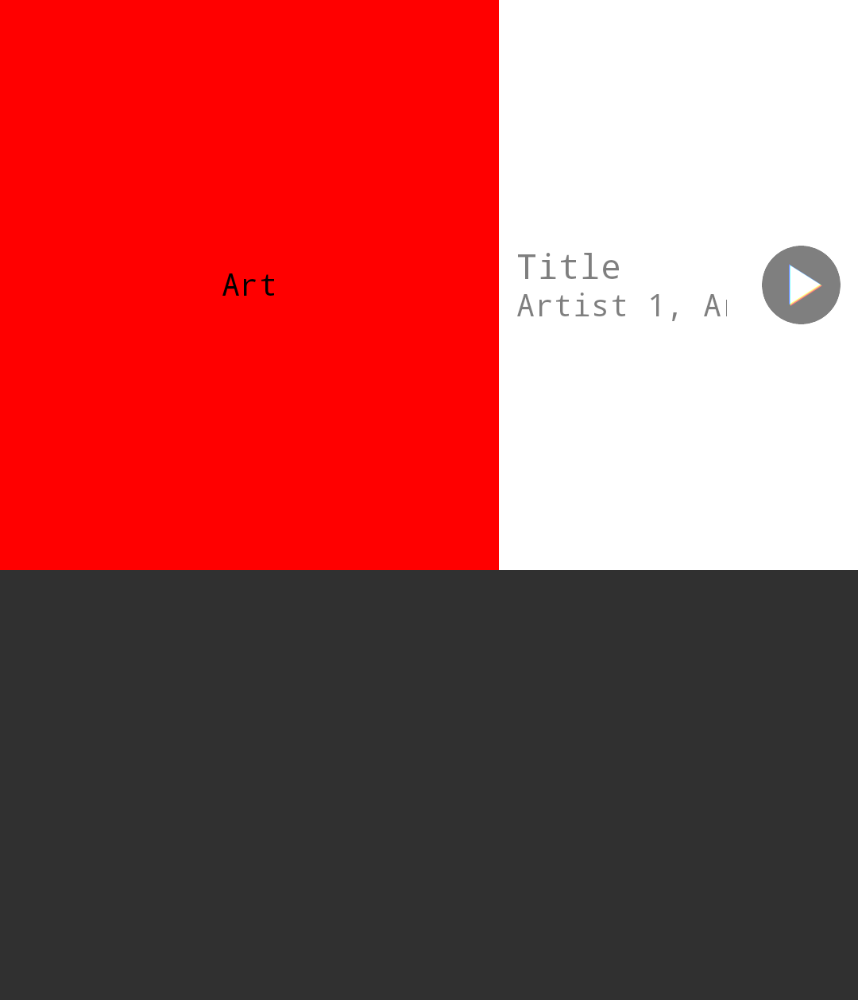
Media Control Sheet is an interactive component that shows simple media information when collapsed and large-scale media artwork when expanded. It's inspired by similar components in the YouTube and YouTube Music apps.

| 0% | 50% | 100% |
|---|---|---|
 |
 |
 |
Runtime Shaders enable detailed control over how individual pixels are rendered on the screen. Below are shaders I've written, ported, or adapted as Modifiers that can be applied to any Composable that accepts a Modifier.
On Android, these shaders are powered by the RuntimeShader library and the Android Graphics Shader Language (AGSL). On non-Android platforms, the shaders are powered by Skiko and the Skia Shader Language (SkSL).
Color Split allows individual color channels (e.g. red, green, blue) of the target to be shifted by variable amounts across the X and Y axes.
| [0.0, 0.0] | [0.1, 0.0] | [0.2, 0.0] | [0.0, 0.1] | [0.0, 0.2] | [0.2, 0.2] |
|---|---|---|---|---|---|
%5D.png) |
%5D.png) |
%5D.png) |
%5D.png) |
%5D.png) |
%5D.png) |
%5D.png) |
%5D.png) |
%5D.png) |
%5D.png) |
%5D.png) |
%5D.png) |
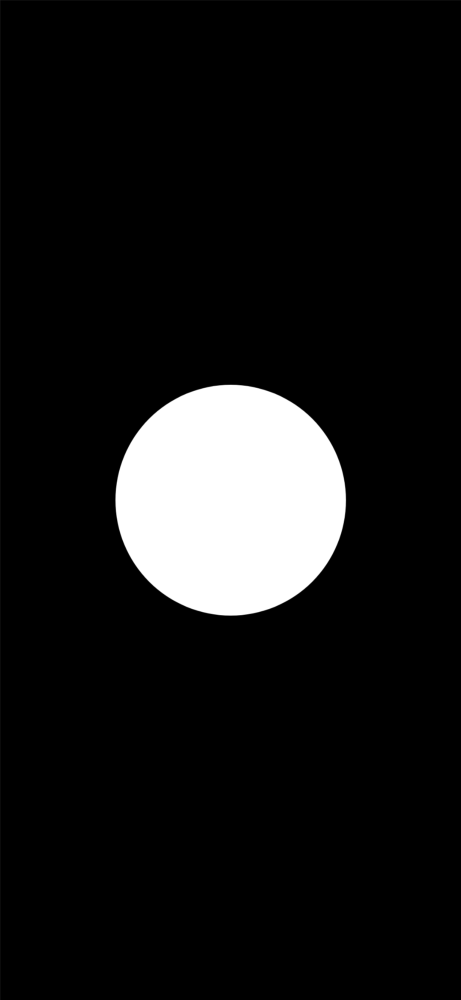
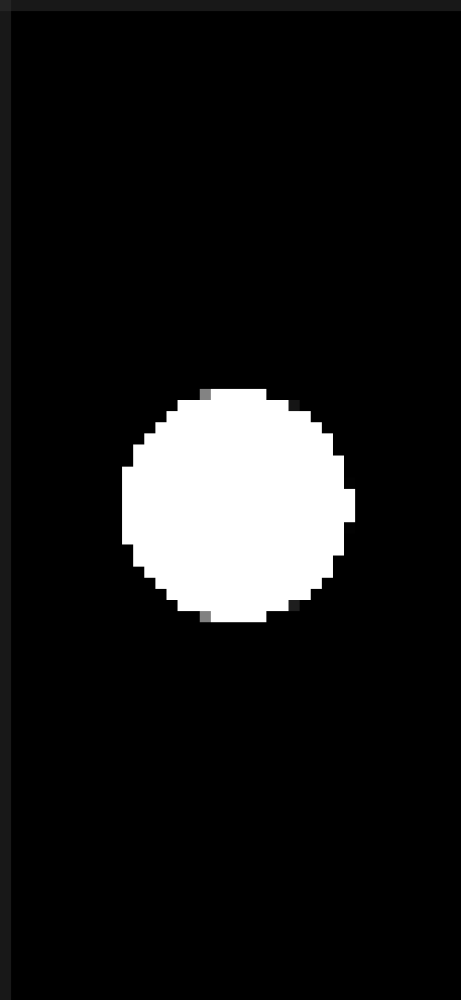
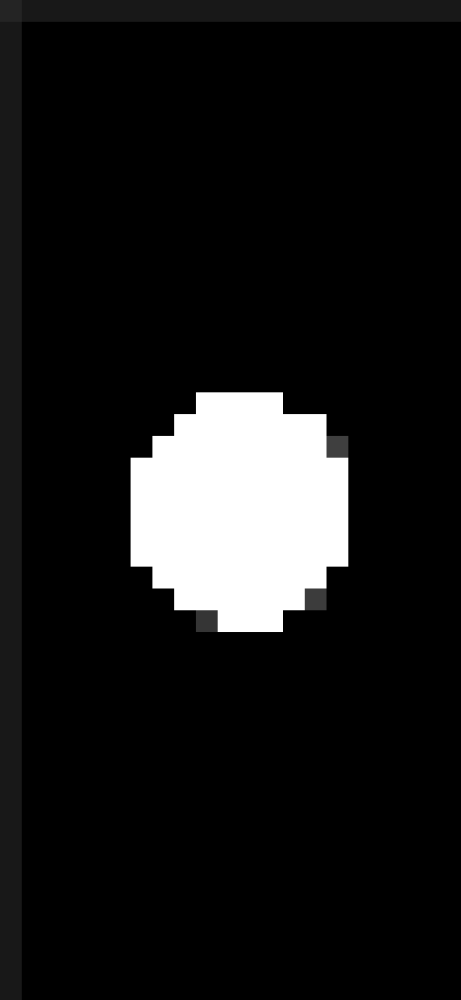
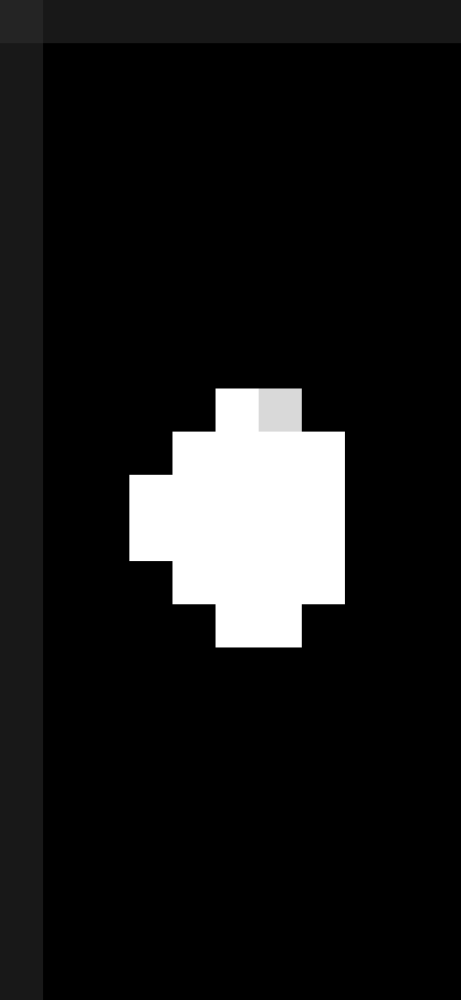
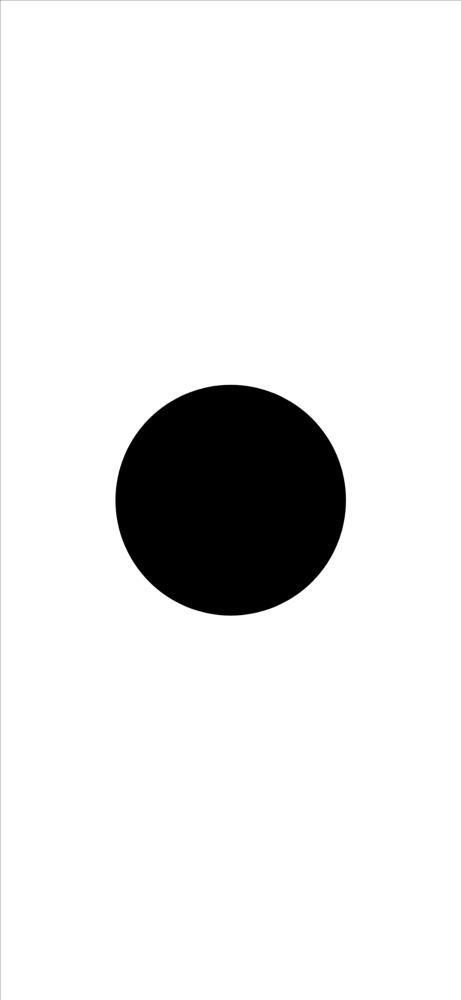
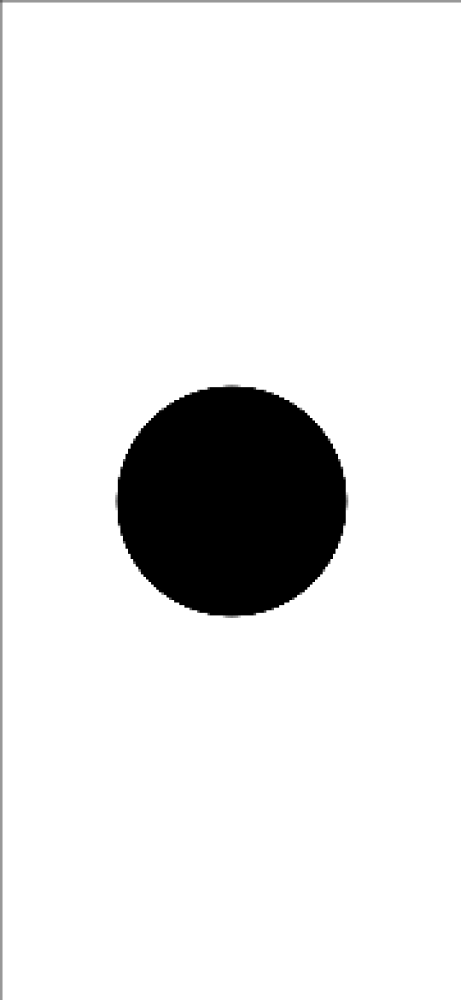
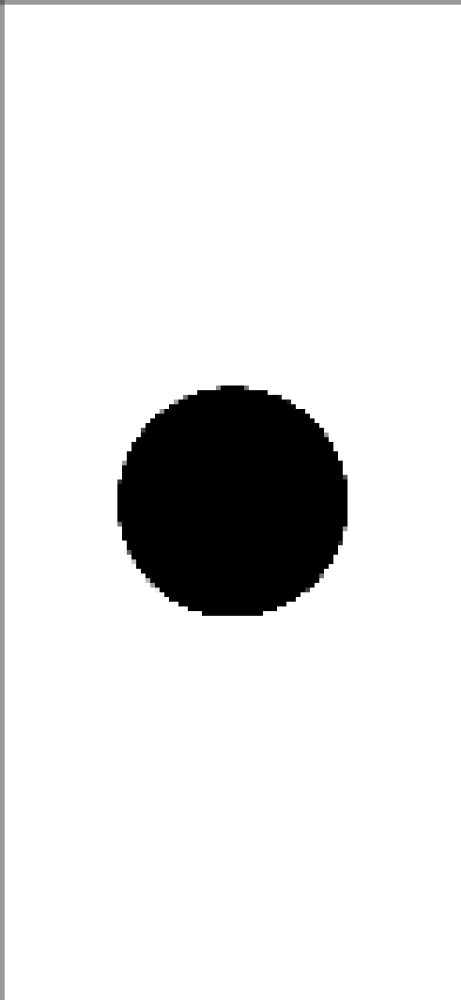
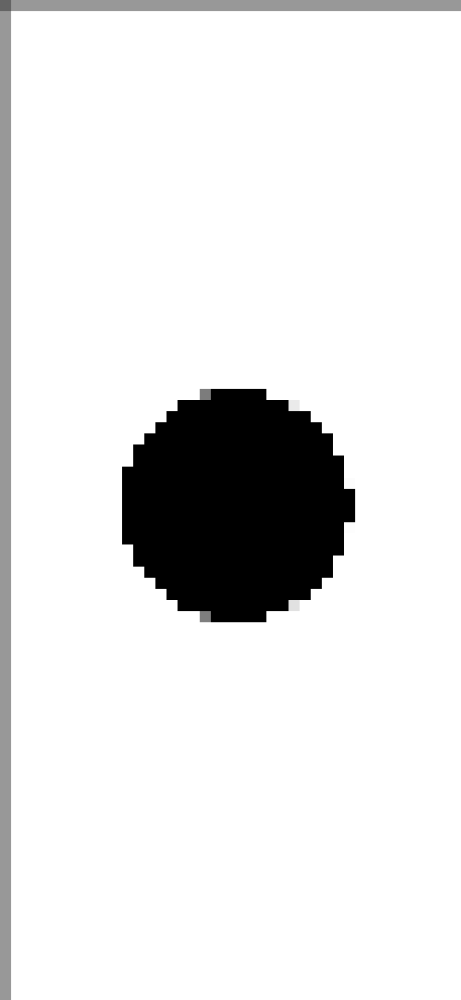
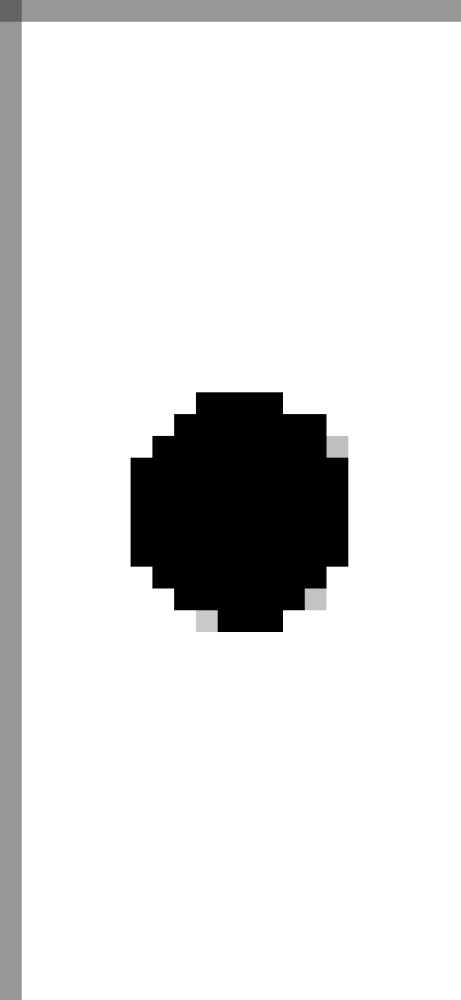
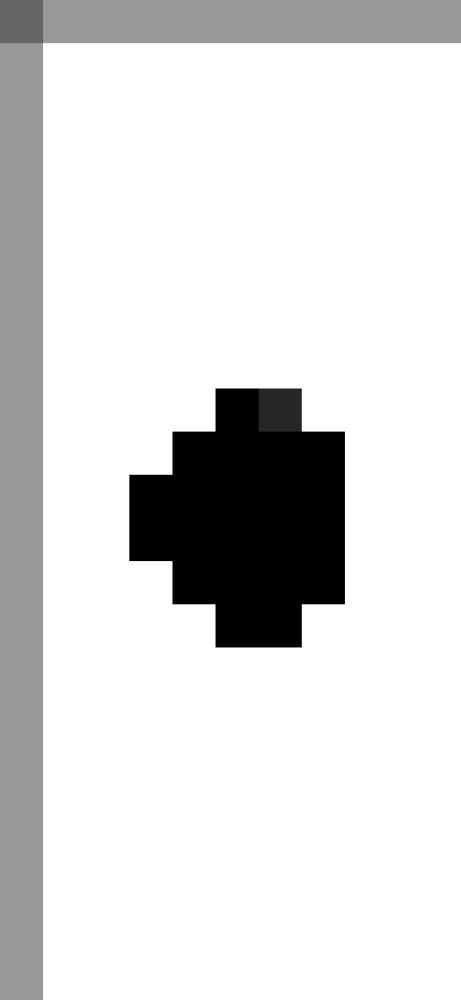
The Pixelate shader assigns the color of all pixels in a region to that of a sample point within the region. Below is the effect with an increasing number of additional pixels in each region.
| 0 | 5 | 10 | 25 | 50 | 100 |
|---|---|---|---|---|---|
 |
 |
 |
 |
 |
 |
 |
 |
 |
 |
 |
 |
A simple noise effect with increasing levels of opacity.
| 0% | 20% | 50% | 100% |
|---|---|---|---|
%5D.png) |
%5D.png) |
%5D.png) |
%5D.png) |
%5D.png) |
%5D.png) |
%5D.png) |
%5D.png) |
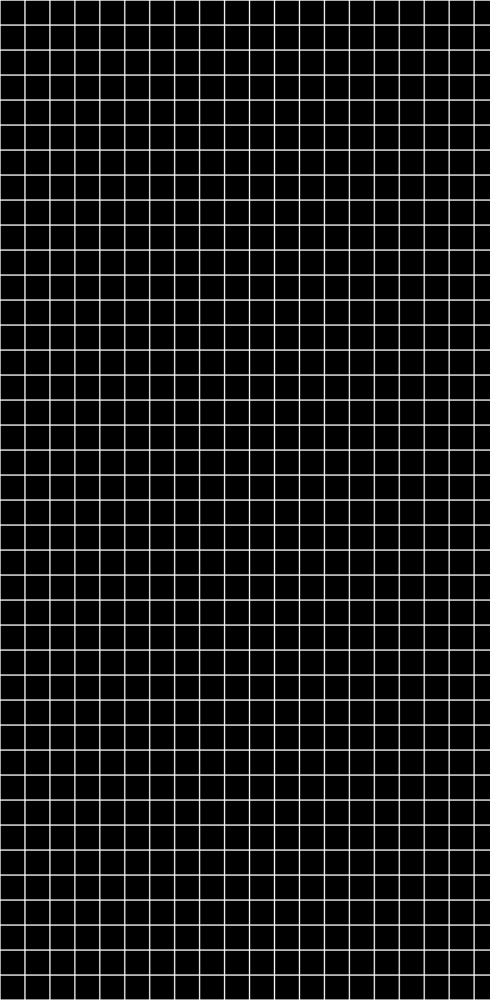
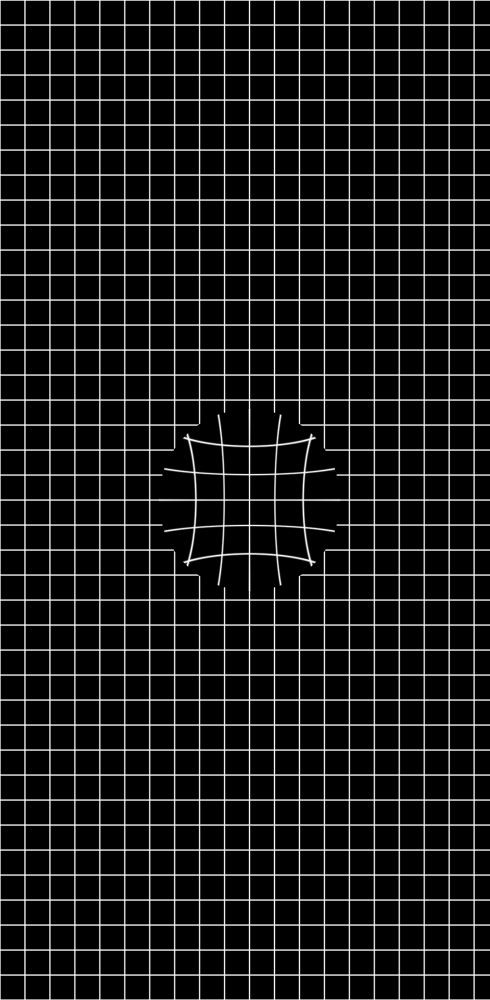
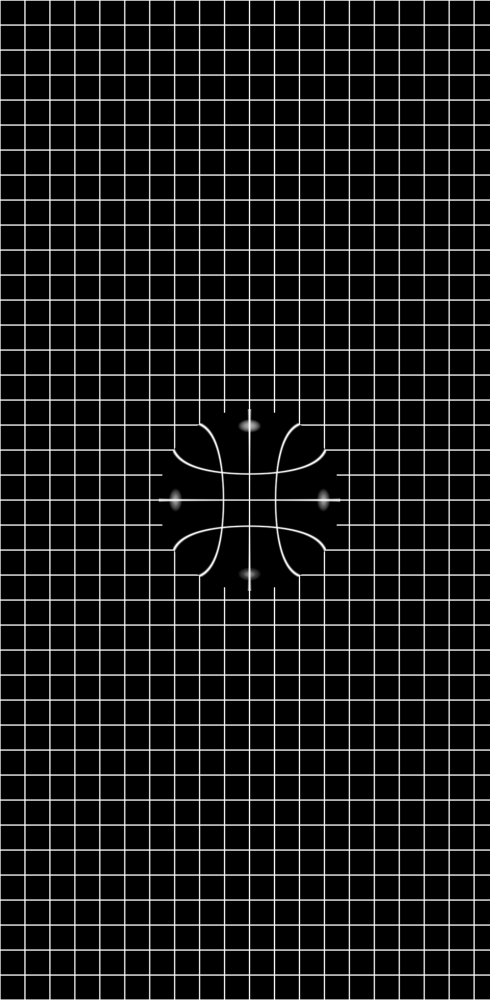
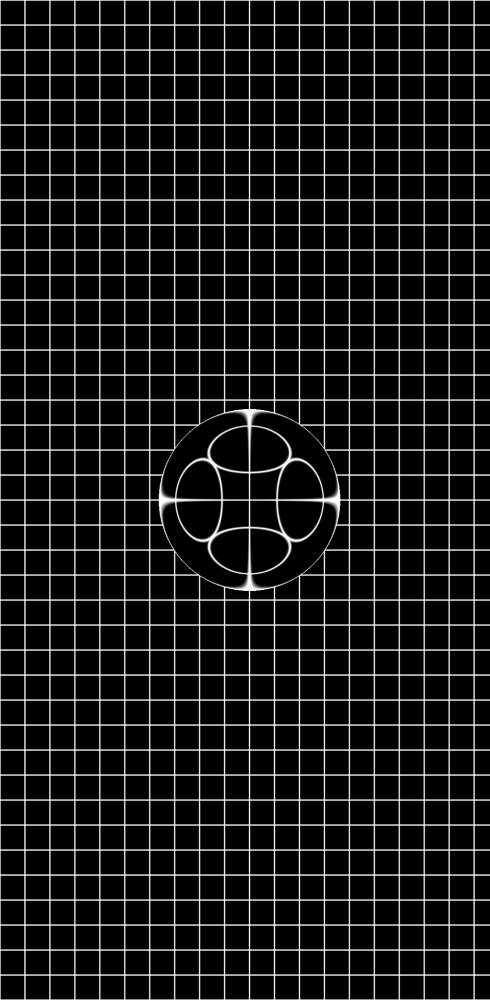
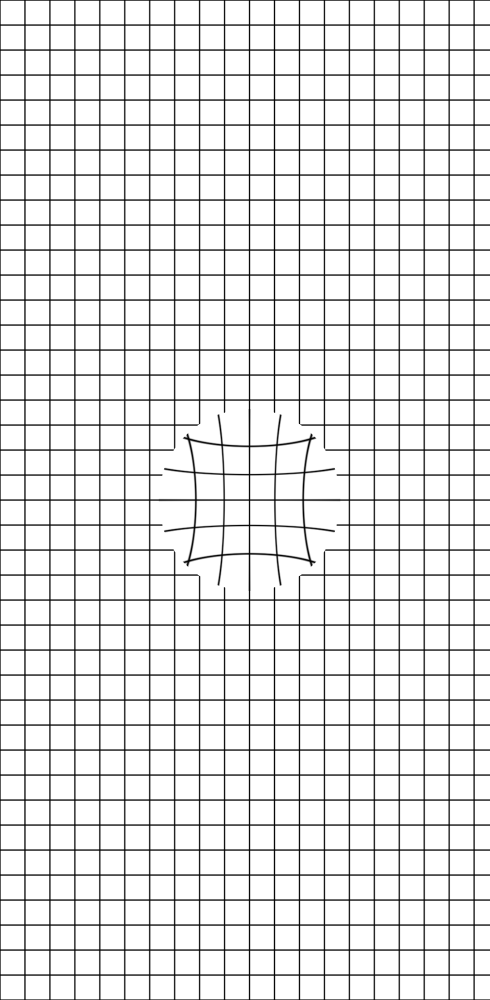
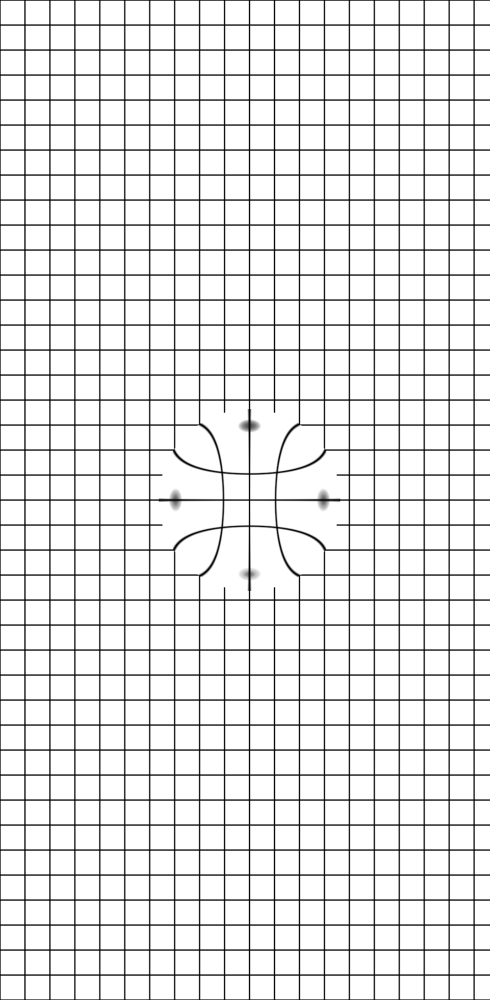
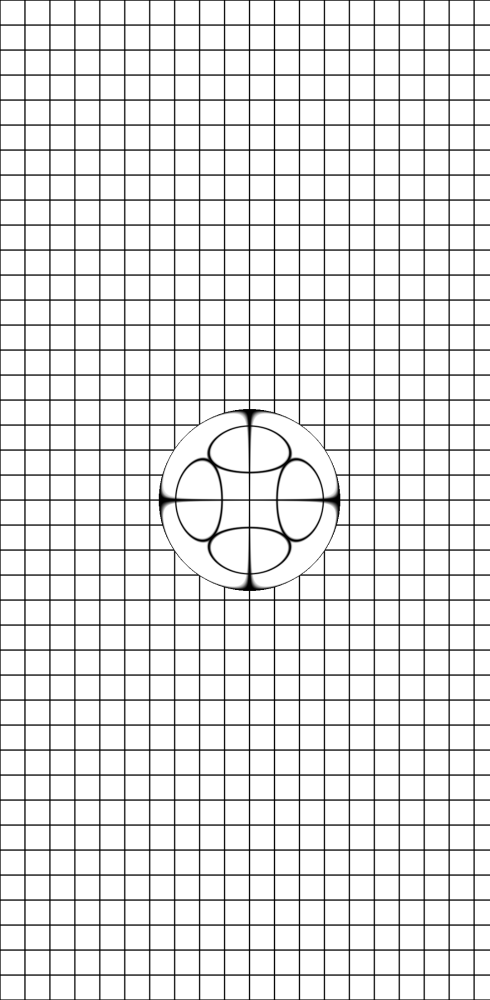
Warp pixels towards or away from a radius.
| 0% | 20% | 50% | 100% |
|---|---|---|---|
 |
 |
 |
 |
 |
 |
 |
 |
With the exception of the GIFs, the images above were captured as gold files for automated screenshot tests of the library. Screenshots are generated for each Pull Request and compared against these gold files to ensure UI changes are made intentionally and with review. These screenshot tests are powered by Paparazzi and TestParameterInjector.
Palette is an experimental Compose Multiplatform design library. It contains a set of component, modifier, and theme libraries.
The catalog app is available on Android, iOS, desktop, and web.
Media Control Sheet is an interactive component that shows simple media information when collapsed and large-scale media artwork when expanded. It's inspired by similar components in the YouTube and YouTube Music apps.
| 0% | 50% | 100% |
|---|---|---|
|
|
|
Runtime Shaders enable detailed control over how individual pixels are rendered on the screen. Below are shaders I've written, ported, or adapted as Modifiers that can be applied to any Composable that accepts a Modifier.
On Android, these shaders are powered by the RuntimeShader library and the Android Graphics Shader Language (AGSL). On non-Android platforms, the shaders are powered by Skiko and the Skia Shader Language (SkSL).
Color Split allows individual color channels (e.g. red, green, blue) of the target to be shifted by variable amounts across the X and Y axes.
| [0.0, 0.0] | [0.1, 0.0] | [0.2, 0.0] | [0.0, 0.1] | [0.0, 0.2] | [0.2, 0.2] |
|---|---|---|---|---|---|
|
|
|
|
|
|
|
|
|
|
|
|
The Pixelate shader assigns the color of all pixels in a region to that of a sample point within the region. Below is the effect with an increasing number of additional pixels in each region.
| 0 | 5 | 10 | 25 | 50 | 100 |
|---|---|---|---|---|---|
|
|
|
|
|
|
|
|
|
|
|
|
A simple noise effect with increasing levels of opacity.
| 0% | 20% | 50% | 100% |
|---|---|---|---|
|
|
|
|
|
|
|
|
Warp pixels towards or away from a radius.
| 0% | 20% | 50% | 100% |
|---|---|---|---|
|
|
|
|
|
|
|
|
With the exception of the GIFs, the images above were captured as gold files for automated screenshot tests of the library. Screenshots are generated for each Pull Request and compared against these gold files to ensure UI changes are made intentionally and with review. These screenshot tests are powered by Paparazzi and TestParameterInjector.