
Tool for creating, previewing, and saving GIF animations with Compose Desktop, using frame count or elapsed time for frame rendering.
Tool to create, preview and save GIF animations use Compose Desktop.
You can use both frame count and/or elapsed time to draw the frames.
val jvmMain by getting {
    dependencies {
        implementation("xyz.schwaab:camcorder:0.0.1-beta")
    }
}
It should look similar to this:
plugins {
    kotlin("multiplatform")
    id("org.jetbrains.compose")
}

kotlin {
    sourceSets {
        val jvmMain by getting {
            dependencies {
                implementation("xyz.schwaab:camcorder:0.0.1-beta")
                implementation(compose.desktop.currentOs)
            }
        }
    }
}camcorderPreviewApplication passing AnimationSpecs, an output file and a FrameRenderer lambda:@ExperimentalUnitApi
fun main() {
camcorderPreviewApplication(AnimationSpecs(width, heigth, 1.seconds), "timeCounter.gif") { frame, timeInMillis: Long ->
Box(modifier = Modifier.background(Color.Green).fillMaxSize()) {
Text(
"Time: ${timeInMillis}ms",
color = bleuDeFrance,
modifier = Modifier.align(Alignment.Center)
)
}
}
}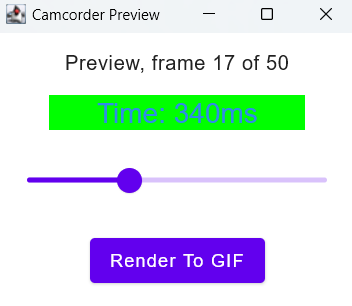
Render to GIF, and the file will be saved:
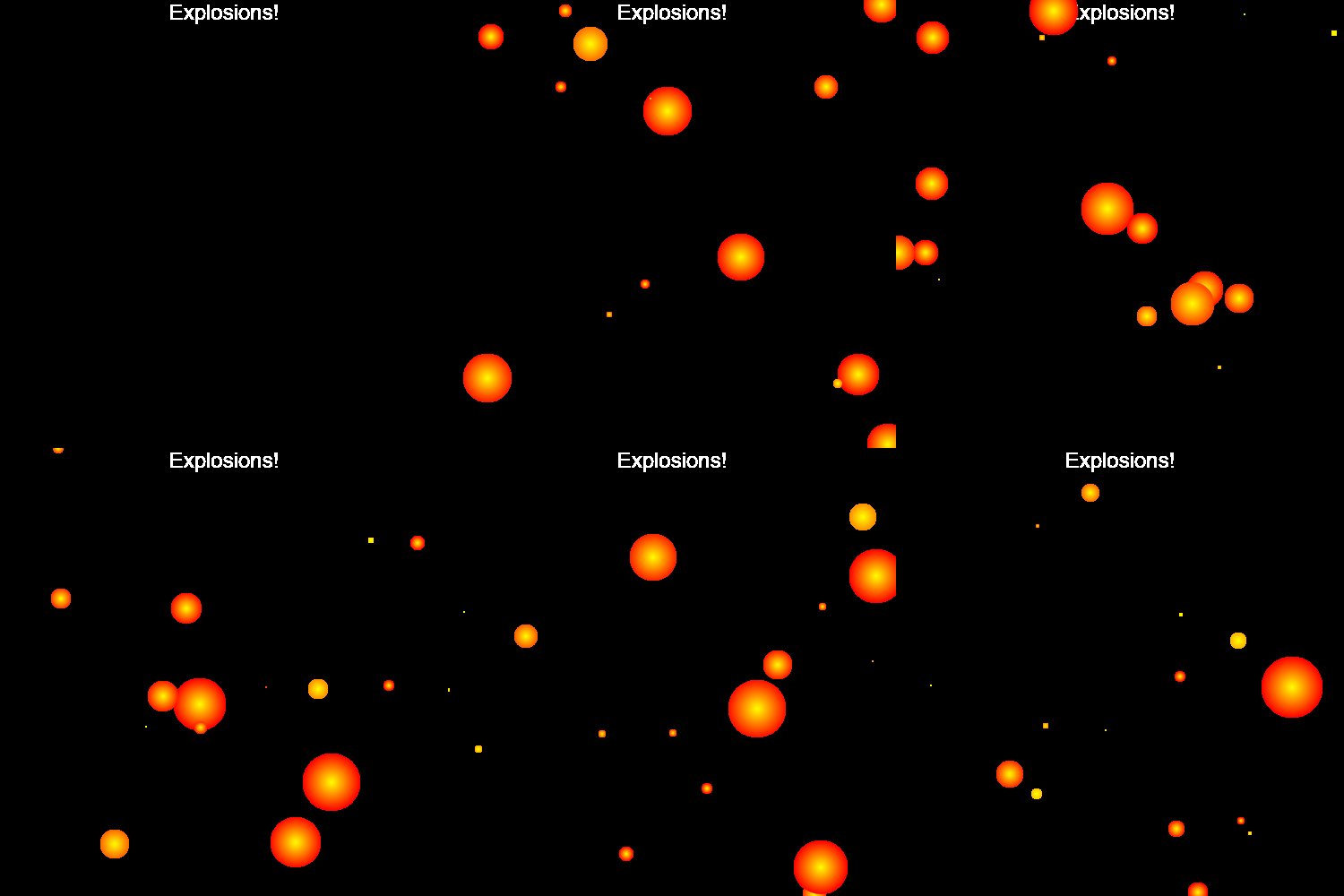
See samples for more examples on how to use. For a more complicated example, see Explosions.kt:
Tool to create, preview and save GIF animations use Compose Desktop.
You can use both frame count and/or elapsed time to draw the frames.
val jvmMain by getting {
    dependencies {
        implementation("xyz.schwaab:camcorder:0.0.1-beta")
    }
}
It should look similar to this:
plugins {
    kotlin("multiplatform")
    id("org.jetbrains.compose")
}

kotlin {
    sourceSets {
        val jvmMain by getting {
            dependencies {
                implementation("xyz.schwaab:camcorder:0.0.1-beta")
                implementation(compose.desktop.currentOs)
            }
        }
    }
}camcorderPreviewApplication passing AnimationSpecs, an output file and a FrameRenderer lambda:@ExperimentalUnitApi
fun main() {
camcorderPreviewApplication(AnimationSpecs(width, heigth, 1.seconds), "timeCounter.gif") { frame, timeInMillis: Long ->
Box(modifier = Modifier.background(Color.Green).fillMaxSize()) {
Text(
"Time: ${timeInMillis}ms",
color = bleuDeFrance,
modifier = Modifier.align(Alignment.Center)
)
}
}
}
Render to GIF, and the file will be saved:
See samples for more examples on how to use. For a more complicated example, see Explosions.kt: