
Work-in-progress design system offering reusable UI components, theming, tokenized styling and accessibility primitives for declarative UI; modular foundation artifact enables consistent visual language across apps.









An opinionated design system for Compose Multiplatform.
Published on Maven Central:
implementation("glass.yasan.kepko:component:<version>")
implementation("glass.yasan.kepko:foundation:<version>")Wrap your app content with KepkoTheme:
| Code | Preview |
|---|---|
KepkoTheme {
    Text("Hello, Kepko!")
    TextPill(
        text = "Yasan Glass",
        containerColor = KepkoTheme.colors.information,
    )
} |
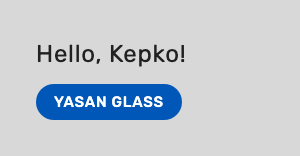 |
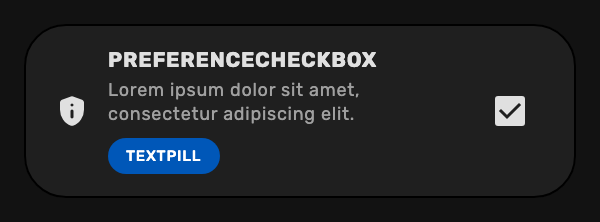
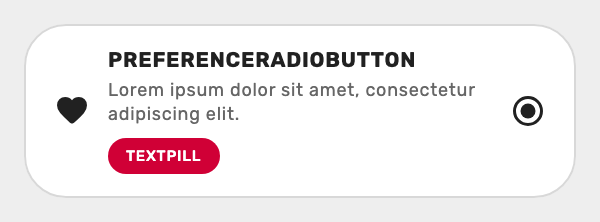
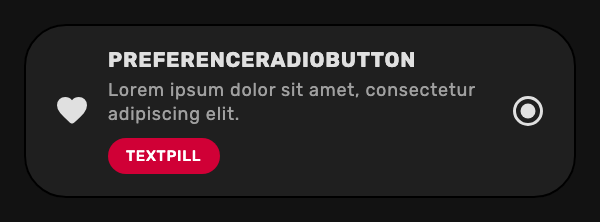
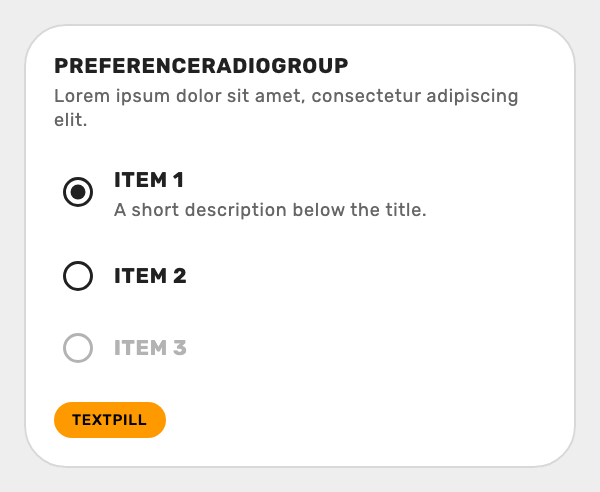
| Light | Dark |
|---|---|
 |
 |
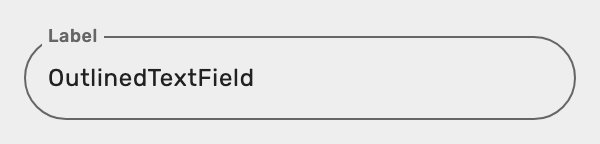 |
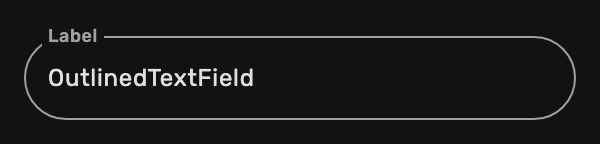 |
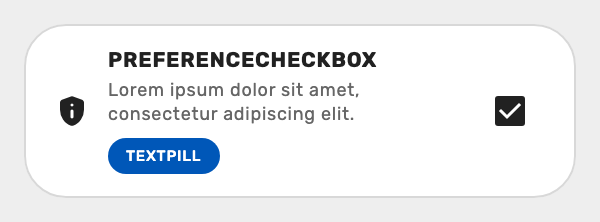 |
 |
 |
 |
 |
 |
 |
 |
 |
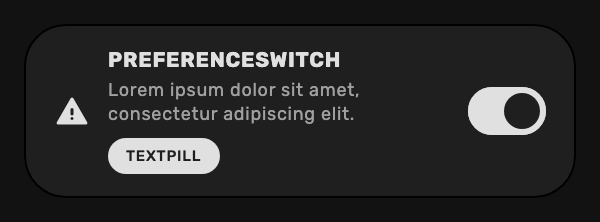 |
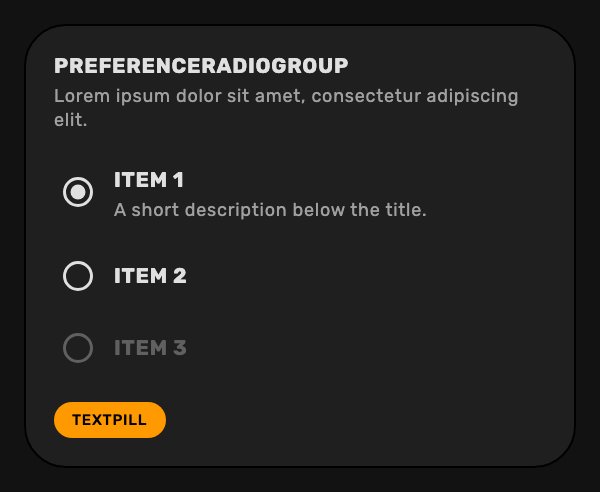
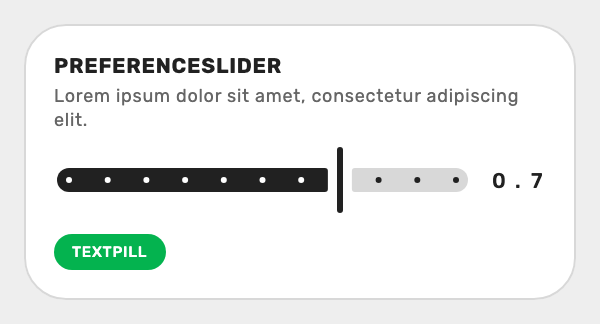
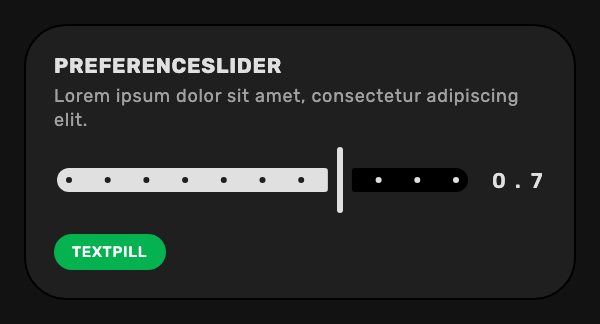
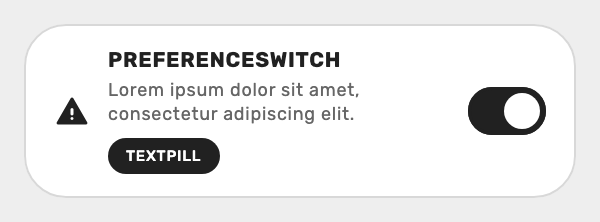
See the full list of components here.
| Name | Color Palette |
|---|---|
| Light |  |
| Dark |  |
| Black (AMOLED) |  |
| Solarized Light |  |
| Solarized Dark |  |
| Catppuccin Latte |  |
| Catppuccin Frappé |  |
| Catppuccin Macchiato |  |
| Catppuccin Mocha |  |
| Gruvbox Light |  |
| Gruvbox Dark |  |
| Tokyo Night |  |
| Tokyo Day |  |
| Baby Pink |  |
| Dark Pink |  |
| Hot Pink |  |
An optional module that automatically persists and restores theme preferences across the app launches.
implementation("glass.yasan.kepko:persistence:<version>")Preferences are stored with DataStore, so on Android this module requires API 24 or higher. Preferences saved by earlier versions are moved over on first launch.
On desktop, preferences are kept in ~/.kepko/, which every Kepko app shares by default. Give your app its own file by setting an id before the first PersistentKepkoTheme is composed:
KepkoDesktopPersistence.appId = "com.example.app"Use PersistentKepkoTheme instead of KepkoTheme to automatically persist and restore theme preferences:
@OptIn(ExperimentalKepkoApi::class)
PersistentKepkoTheme {
    // your app content
}
To let users change the persisted theme setting, use PersistentPreferenceThemeScreen:
PersistentPreferenceThemeScreen(
    onBackClick = { /* navigate back */ },
)
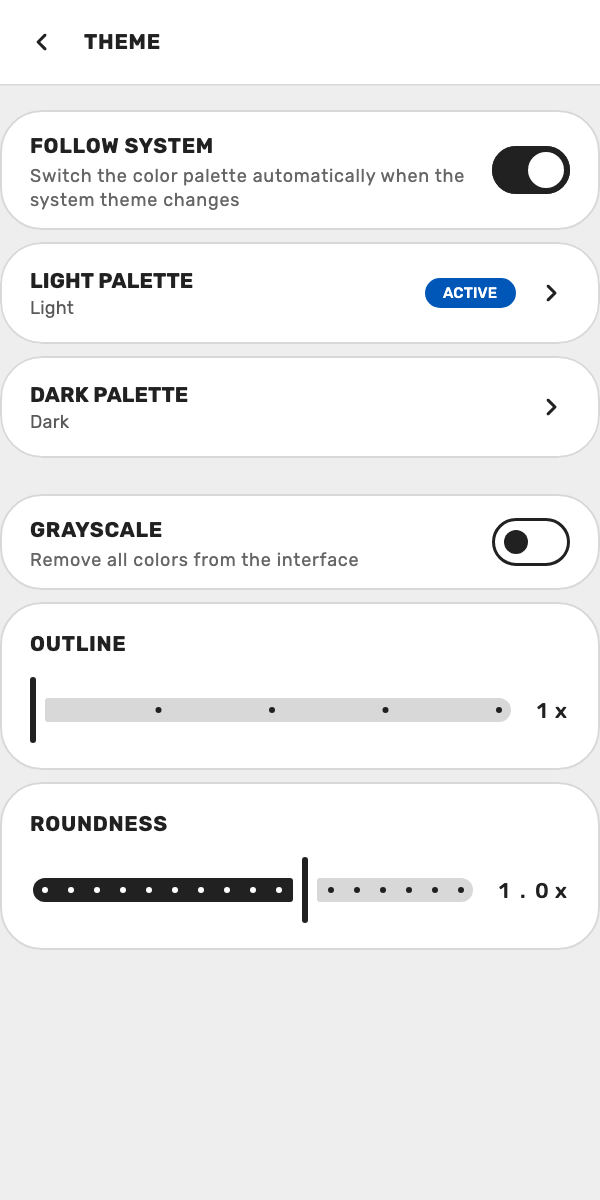
PersistentPreferenceThemeScreen lets users pick between system-based or manual theme selection. In system mode, separate light and dark style pickers are shown:
PersistentKepkoTheme provides the following CompositionLocal values inside its content:
LocalKepkoColorPalette: the currently active ColorPalette
LocalKepkoPersistenceManager: the PersistenceManager instance for direct access to persistence stateAn optional experimental module with Navigation 3 scenes for large windows. On Android it needs API 24 or later.
implementation("glass.yasan.kepko:navigation:<version>")ListDetailSceneStrategy shows the entry marked with list() beside the detail() entry above it on large windows, with a divider that can be dragged. The divider's position is saved across launches, so wrap the content in PersistentKepkoTheme:
NavDisplay(
    backStack = backStack,
    sceneStrategies = listOf(
        rememberListDetailSceneStrategy(
            isLargeWindow = isLargeWindow(),
            isTwoPane = isTwoPaneWindow(),
        ),
    ),
    entryProvider = { route ->
        val metadata = if (route == Home) ListDetailSceneStrategy.list() else ListDetailSceneStrategy.detail()
        NavEntry(route, metadata = metadata) { /* screen */ }
    },
)An optional experimental module that allows constructing Kepko components from JSON strings by providing serialization contracts for the components.
implementation("glass.yasan.kepko:serialization:<version>")Simple JSON:
{
  "on_click": "on-click",
  "text": "Text Value",
  "leading_icon": "info"
}
Result (decoded contract → composable):
val contract = Json(from = kepkoJson).decodeFromString<ButtonContract>(jsonString)

ContractButton(
    contract = contract,
    onClick = { action: String -> println(action) },
)
Equivalent to using Button directly:
Button(
    text = "Text Value",
    onClick = { println("on-click") },
    leadingIcon = NamedIcon.INFO.painter(),
)Explore Kepko in a real project with the included sample project.
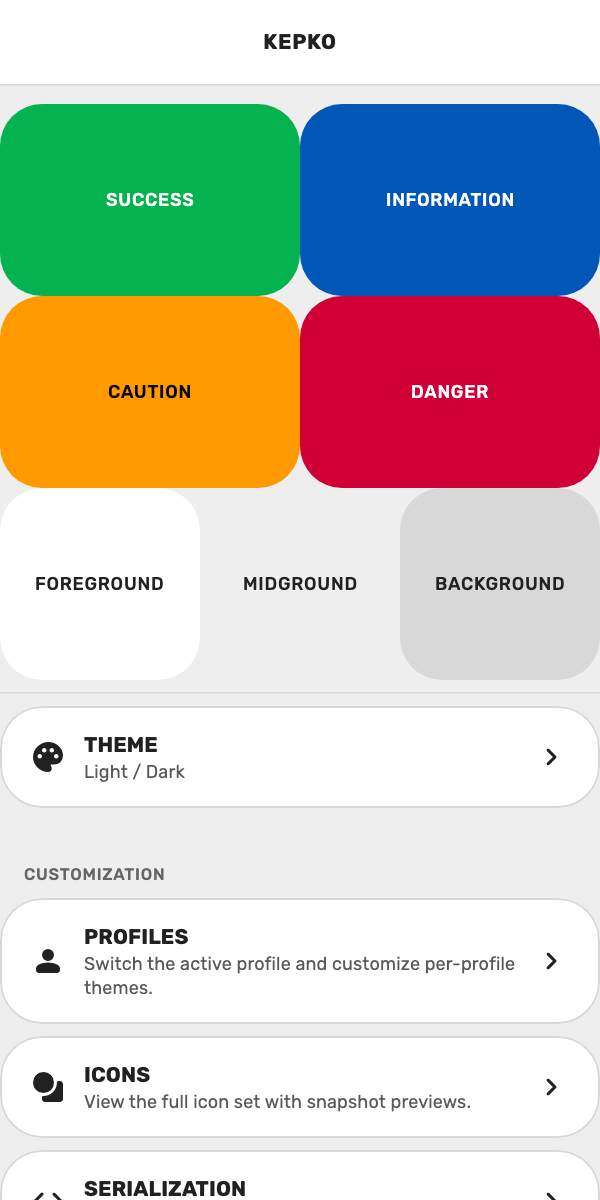
You can also try the sample project in your browser: WebAssembly or JavaScript
An opinionated design system for Compose Multiplatform.
Published on Maven Central:
implementation("glass.yasan.kepko:component:<version>")
implementation("glass.yasan.kepko:foundation:<version>")Wrap your app content with KepkoTheme:
| Code | Preview |
|---|---|
KepkoTheme {
    Text("Hello, Kepko!")
    TextPill(
        text = "Yasan Glass",
        containerColor = KepkoTheme.colors.information,
    )
} |
|
| Light | Dark |
|---|---|
|
|
|
|
|
|
|
|
|
|
|
|
|
|
See the full list of components here.
| Name | Color Palette |
|---|---|
| Light | |
| Dark | |
| Black (AMOLED) | |
| Solarized Light | |
| Solarized Dark | |
| Catppuccin Latte | |
| Catppuccin Frappé | |
| Catppuccin Macchiato | |
| Catppuccin Mocha | |
| Gruvbox Light | |
| Gruvbox Dark | |
| Tokyo Night | |
| Tokyo Day | |
| Baby Pink | |
| Dark Pink | |
| Hot Pink | |
An optional module that automatically persists and restores theme preferences across the app launches.
implementation("glass.yasan.kepko:persistence:<version>")Preferences are stored with DataStore, so on Android this module requires API 24 or higher. Preferences saved by earlier versions are moved over on first launch.
On desktop, preferences are kept in ~/.kepko/, which every Kepko app shares by default. Give your app its own file by setting an id before the first PersistentKepkoTheme is composed:
KepkoDesktopPersistence.appId = "com.example.app"Use PersistentKepkoTheme instead of KepkoTheme to automatically persist and restore theme preferences:
@OptIn(ExperimentalKepkoApi::class)
PersistentKepkoTheme {
    // your app content
}
To let users change the persisted theme setting, use PersistentPreferenceThemeScreen:
PersistentPreferenceThemeScreen(
    onBackClick = { /* navigate back */ },
)
PersistentPreferenceThemeScreen lets users pick between system-based or manual theme selection. In system mode, separate light and dark style pickers are shown:
PersistentKepkoTheme provides the following CompositionLocal values inside its content:
LocalKepkoColorPalette: the currently active ColorPalette
LocalKepkoPersistenceManager: the PersistenceManager instance for direct access to persistence stateAn optional experimental module with Navigation 3 scenes for large windows. On Android it needs API 24 or later.
implementation("glass.yasan.kepko:navigation:<version>")ListDetailSceneStrategy shows the entry marked with list() beside the detail() entry above it on large windows, with a divider that can be dragged. The divider's position is saved across launches, so wrap the content in PersistentKepkoTheme:
NavDisplay(
    backStack = backStack,
    sceneStrategies = listOf(
        rememberListDetailSceneStrategy(
            isLargeWindow = isLargeWindow(),
            isTwoPane = isTwoPaneWindow(),
        ),
    ),
    entryProvider = { route ->
        val metadata = if (route == Home) ListDetailSceneStrategy.list() else ListDetailSceneStrategy.detail()
        NavEntry(route, metadata = metadata) { /* screen */ }
    },
)An optional experimental module that allows constructing Kepko components from JSON strings by providing serialization contracts for the components.
implementation("glass.yasan.kepko:serialization:<version>")Simple JSON:
{
  "on_click": "on-click",
  "text": "Text Value",
  "leading_icon": "info"
}
Result (decoded contract → composable):
val contract = Json(from = kepkoJson).decodeFromString<ButtonContract>(jsonString)

ContractButton(
    contract = contract,
    onClick = { action: String -> println(action) },
)
Equivalent to using Button directly:
Button(
    text = "Text Value",
    onClick = { println("on-click") },
    leadingIcon = NamedIcon.INFO.painter(),
)Explore Kepko in a real project with the included sample project.
You can also try the sample project in your browser: WebAssembly or JavaScript